VICCOM Scan
Warehouse stocktaking: scan, work offline, sync with your ERP.
Requires a VICCOM ERP account with the “API access” and “Warehouse stocktaking” permissions.
VICCOM Scan is the warehouse client for stocktaking in the VICCOM ERP. Open an audit, scan barcodes and serial numbers, and record discrepancies.
It is built for terminals with a hardware scanner (Newland MT65) and keeps working where the warehouse has no Wi-Fi.
Screenshots
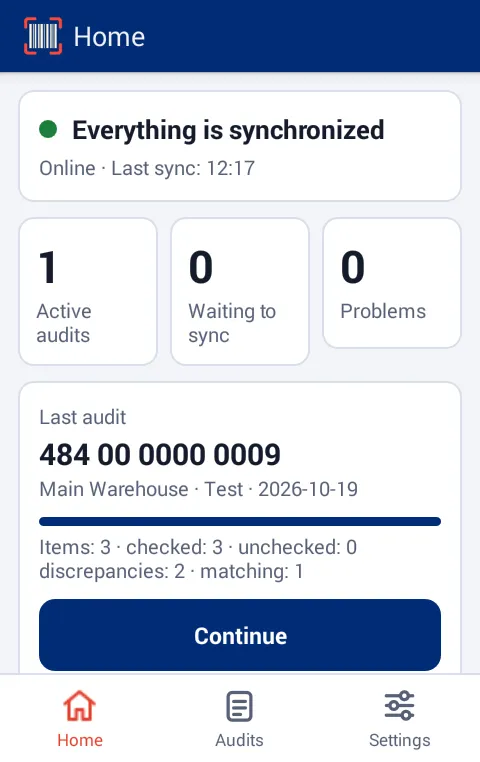
Sync status and your last audit 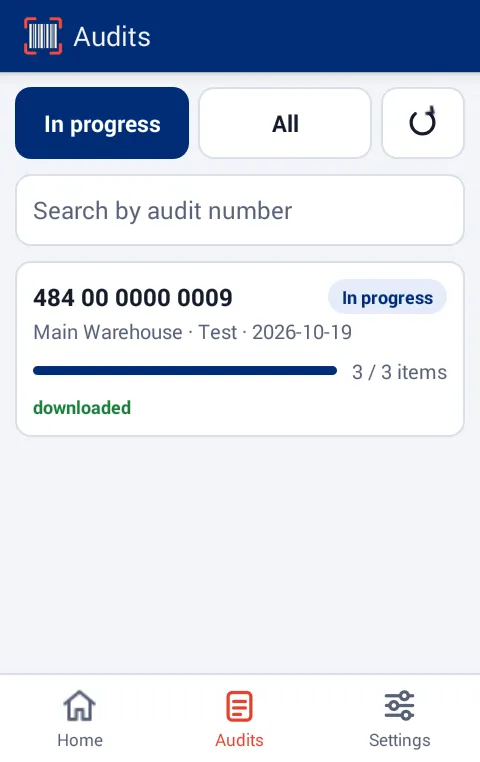
All audits with progress 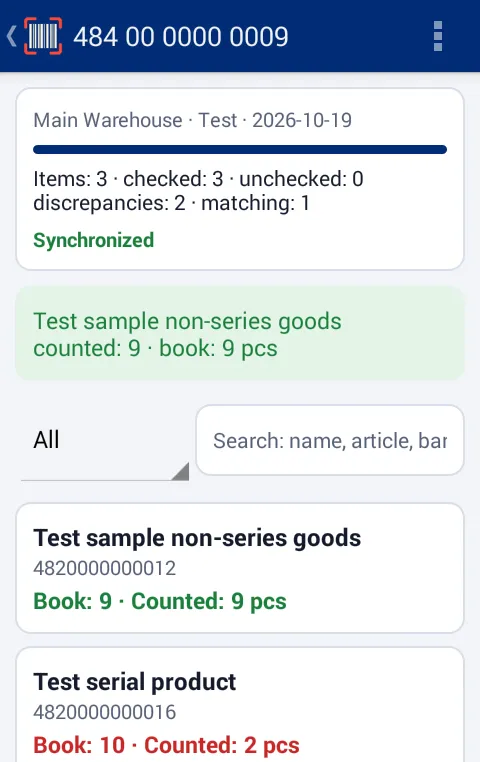
Scan and see the result instantly 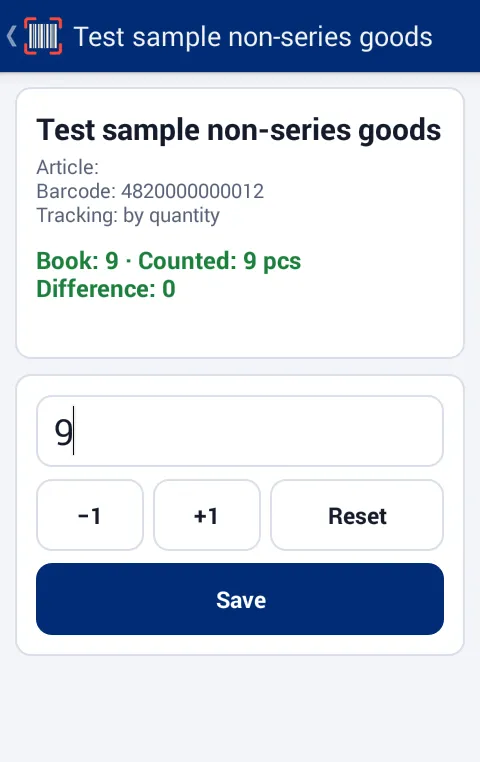
Quantity and discrepancies 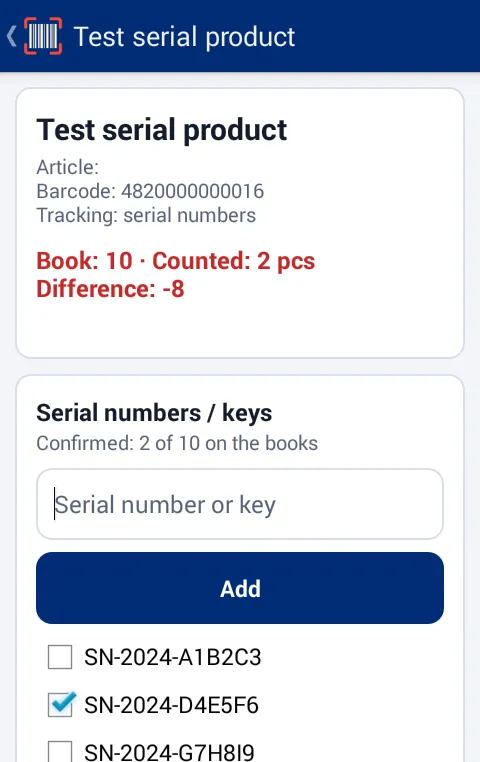
Serial numbers and keys 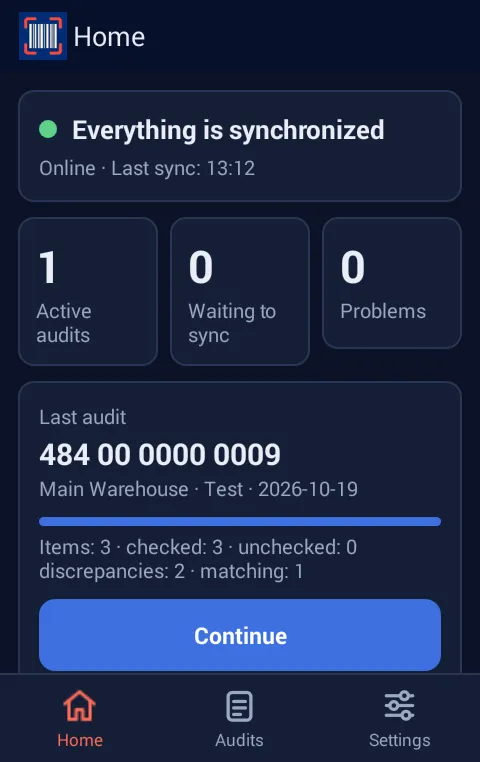
Dark theme for the warehouse 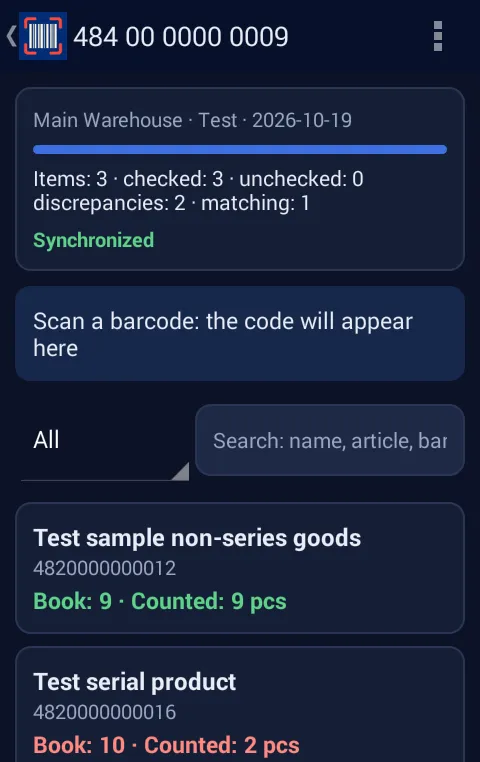
Dark theme for the warehouse
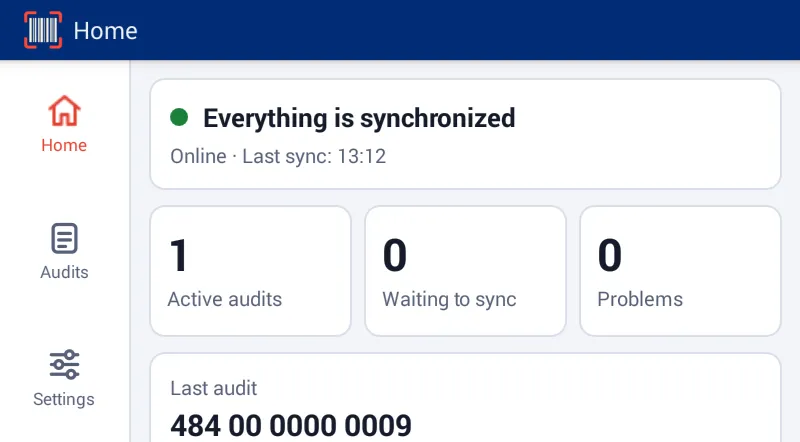
Landscape layout 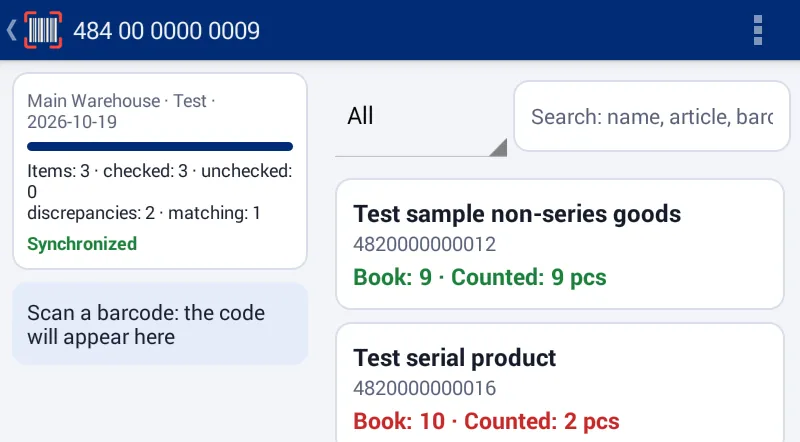
Landscape layout
Features
- Passwordless sign-in. A one-time code from Telegram or SMS. The access token is stored encrypted.
- Audits at a glance. Cards with progress, an “In progress / All” filter, search by number and a quick “Continue” on the home screen.
- Fast scanning. Every scan of a countable item adds +1 immediately with a sound cue; unknown codes are flagged at once.
- Serial numbers and digital keys. Confirm by scanning, add surplus, remove; keys are always shown masked.
- Manual quantities. −1 / +1, any value, reset; discrepancy reasons and notes.
- Works offline. The audit is stored on the device, actions queue up and are sent automatically when the network returns. Scans are never lost or duplicated.
- Conflicts between devices. If a colleague changed the same item, the app shows the difference and lets you keep your value or discard it.
- Completing an audit. Checks that everything is synchronized, then completes it or returns it to counting.
- Built for small screens. Large buttons, bottom navigation (Home, Audits, Settings), landscape layout, light and dark themes, Ukrainian and English.
- Diagnostics and updates. A screen with the queue state and event log, a support report; app updates without Google Play.
Technical notes
- Built for terminals with a hardware scanner in broadcast mode, optimized for the Newland MT65 (Android 4.4.2).
- Offline-first: the audit is stored on the device and actions go through a queue that is sent automatically when the network returns.
- HTTPS only; the access token is stored encrypted; permissions are checked by the server on every request.
- The app never shows prices, financial totals or plain digital keys.
- A diagnostics screen shows the queue state and the event log, and can produce a support report.
Requirements
- Android 4.4 or newer (optimized for the Newland MT65, Android 4.4.2, hardware scanner in broadcast mode).
- A VICCOM ERP account with the “API access” and “Warehouse stocktaking” permissions.
- Internet is required for sign-in, downloading an audit and synchronization.
- Permissions: internet; network state (to show when the device is offline).
Links
- Download APK
Android app (APK). The app checks for updates on its own; this button always downloads the latest release.
Installing an APK: Android will ask you to allow installs from this source (your browser or file manager). Where a SHA-256 is shown on this page, compare it with the downloaded file before installing.